


Walking Pad Buying Guide: Motor, Speed and Noise for Under-Desk Walking

Daniel Okafor
November 12, 2026
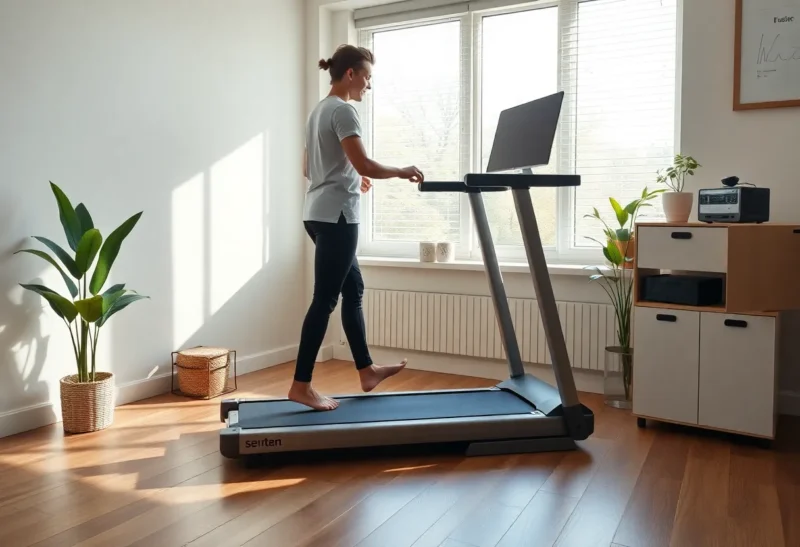
A walking pad turns sitting time into gentle movement. It is a compact, low-profile treadmill designed to slide under a standing desk or a sofa when you are done. For people who spend most of the day at a computer, it can add thousands of steps without carving time out of the evening. But walking pads range from flimsy to genuinely well built, and the spec sheet does not always make the difference obvious. This guide explains the specs that matter for under-desk walking and the trade-offs between models.
How a walking pad differs from a treadmill
A regular treadmill has handrails, a console, an incline motor and a long deck built for running. A walking pad strips most of that away. Typical features:
- No handrails, or a fold-up handle that allows faster speeds on some models.
- A low deck, a few inches high, so it fits under furniture.
- A top speed of about 3.5–4 mph (6 km/h) for walking, with some folding models reaching higher speeds with the handle up.
- Control by remote, phone app or small display on the deck.
- Usually no incline, or a small fixed incline.
That makes walking pads ideal for slow, steady walking while working, and a poor choice for running or serious interval training.
Motor specs that matter for long sessions
Under-desk walking means long, slow sessions, sometimes for hours. That is a different load from a 30-minute run.
- Continuous horsepower (CHP): the rating for sustained use, more meaningful than peak horsepower. Many walking pads list around 2.0–2.5 CHP. Be sceptical of listings that only give peak figures.
- Duty limits: some manufacturers suggest a maximum continuous run time before a rest. If you plan to walk for most of a workday, check this in the manual.
- Weight capacity: common limits are 220–300 lb (100–135 kg). Choose a model rated comfortably above your weight; running close to the limit for hours wears the motor and belt faster.

Belt size, deck and how it feels underfoot
Walking pads are short and narrow compared with full treadmills. That is fine for walking, but too small a belt makes you shorten your stride or watch your feet.
- Belt width: around 16–18 inches (40–46 cm) is typical. Wider is more forgiving when your attention is on a screen.
- Belt length: look for at least 40 inches (100 cm) for comfortable walking. Taller people should aim longer.
- Cushioning: a little shock absorption helps over long sessions, especially on hard floors.
- Deck height: lower is easier to step onto and fit under furniture, but raises your effective standing height, so check your desk adjusts high enough.
The speed you will actually use while working
Most people find typing and reading comfortable between about 1 and 2 mph (1.5–3 km/h). Calls and video meetings often work at the slow end. Faster than about 2.5 mph and most people stop working and start just walking. So top speed matters less than smooth, fine control at low speeds, ideally in 0.1 mph steps.
At these speeds you will not be in a training zone; this is low-intensity movement that adds to your daily total. For structured cardio, see our guide to zone 2 cardio.
Noise, neighbours and floors
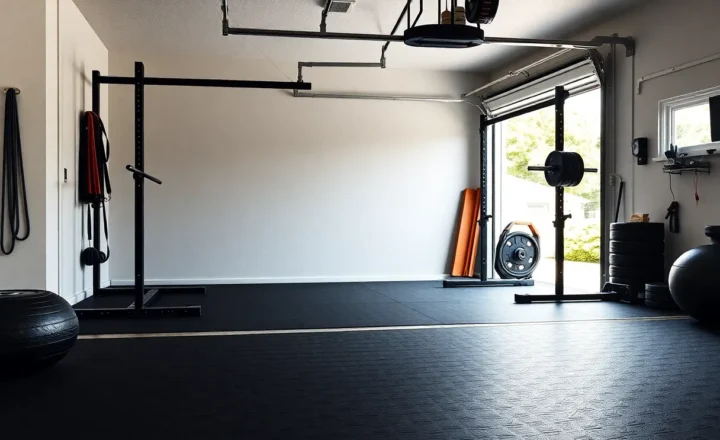
Motor whine and footfall noise matter if you share walls, work on calls or live upstairs. Check reviews for decibel measurements at walking speeds, not just the manufacturer’s claim. Placing the pad on a dense rubber mat reduces vibration through the floor and protects wood or carpet; the same dense rubber used for gym flooring works well, cut to size.
Slower speeds are quieter. A soft-soled shoe is quieter than bare feet or hard soles.
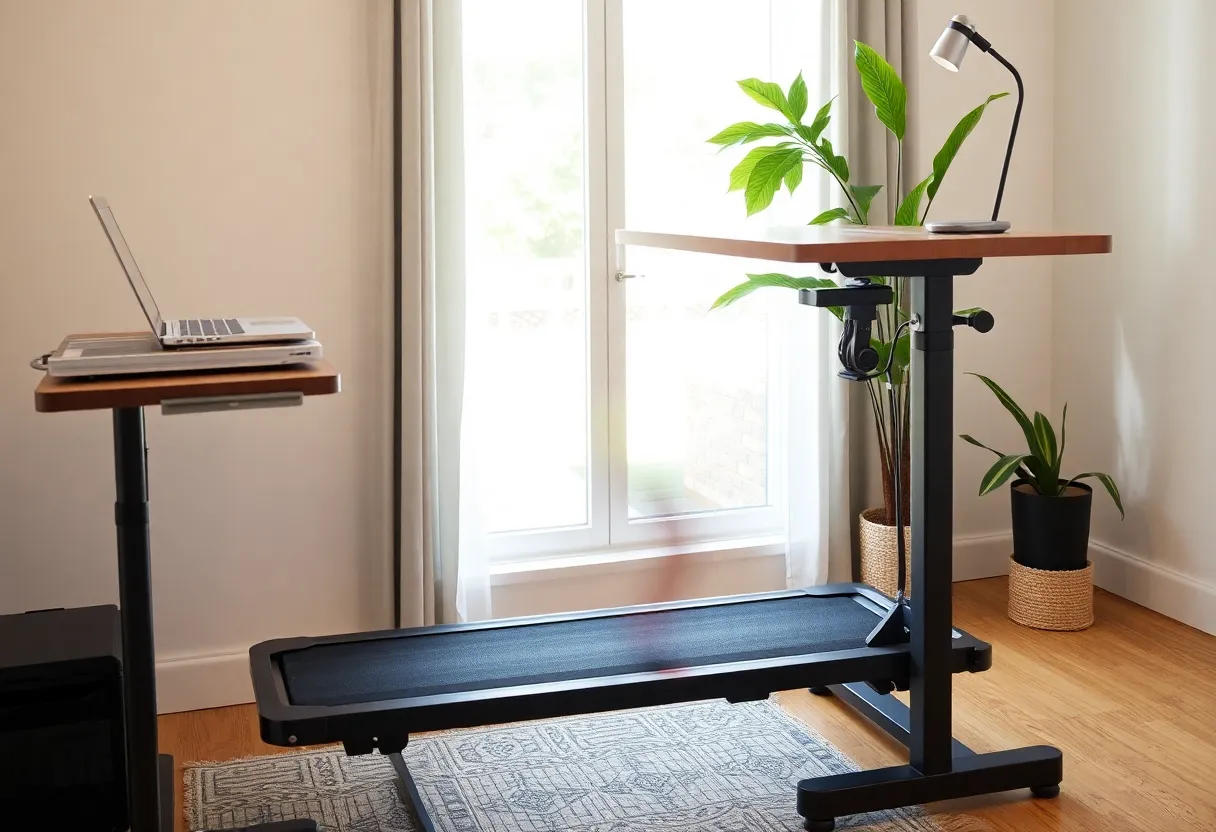
Setting up your desk for walking
- Desk height: with the pad in place, your elbows should be at about 90 degrees with relaxed shoulders. The deck adds a few inches, so a desk that goes high enough is essential.
- Screen height: top of the screen at or slightly below eye level, so you are not looking down while moving.
- Keyboard and mouse: a wrist rest helps steady your hands. Many people prefer reading, email and calls on the pad, and switch to sitting for precise work.
- Cables: keep power and laptop cables well away from the belt.
Safety around a belt that keeps moving
- Use the safety key or stop clip if your model has one, and know where the stop button is on the remote and the deck.
- Keep children and pets away when the pad is running, and unplug it when it is not in use if anyone small lives in the house. Moving belts can trap fingers and paws.
- Start and stop at low speed. Step on before raising the speed and slow down before stepping off.
- Do not walk in socks. Shoes give grip and protect your feet.
- Look up from the screen when you change speed. Most stumbles happen during adjustments.
Walking pad, standing desk or a walk outside?
A walking pad is not the only way to move more during the day. A standing desk alone lets you change position but adds little activity. Short walks outside, for example ten minutes after each meal or during calls, add steps, daylight and a mental break, and cost nothing. A walking pad makes sense when weather, safety, a packed calendar or the nature of your work makes walking outside hard, and when you want activity to happen by default rather than by remembering. Many people end up using a mix of all three.
Folding or flat?
Some walking pads fold in half for storage; others are flat and slide under a sofa or bed. Folding models take less floor space when stored but add a hinge, which is one more part that can wear. Flat models need a long, low space to store, typically under a bed or a desk. If you will leave it under a standing desk permanently, a non-folding model with a wider belt is usually the better buy.
Upkeep: belt and lubrication
Most walking pads need occasional belt centring and lubrication between belt and deck. Follow the manual: typically silicone lubricant every few months or after a set number of hours. A belt that starts to slip, squeak or drift to one side usually needs adjusting. Keep the area free of dust and pet hair, which wear the motor.
What slow walking adds up to over a week
At around 1.5 to 2 mph, many people take somewhere in the region of 3,000 to 4,000 steps an hour, depending on stride length. One hour on the pad each workday therefore adds roughly 15,000 to 20,000 steps across the week. Energy use at these speeds is modest per minute, but because the time is long, it adds up, and it replaces sitting, which is part of the point. Your exact numbers depend on your weight, speed and stride, so let a phone or watch count for you rather than relying on general figures.
How to build up walking time
Start with 20–30 minutes at a time, once or twice a day, at an easy speed. Add time gradually over a few weeks. Your feet, hips and calves need time to adapt to standing and walking for longer, even at slow speeds. Supportive shoes help. Many people end up walking for an hour or two across a workday, broken into blocks, with sitting in between.
Daily step counts are a useful, simple measure. Large studies have found that more daily steps are linked with lower risk of death and disease, with benefits continuing up to several thousand steps beyond typical inactive levels, though there is no magic number that applies to everyone. If you are using a walking pad as part of a weight goal, remember that walking adds to energy use, but food intake usually matters more. Talk to a doctor if you have balance problems, joint pain or a heart condition before starting. See our Health Disclaimer.
Apps, remotes and connectivity
Many walking pads ship with a remote and an optional phone app that logs time, distance and steps. Check whether the app requires an account, whether it syncs to Apple Health or Google Health Connect, and whether the pad works fully without the app if the company stops supporting it. A physical remote and on-deck controls are worth having as a fallback. Treat the step count from the pad as an estimate; a phone in your pocket or a watch usually counts steps more reliably than the motor’s distance figure.
A quick checklist before buying
- Continuous horsepower listed, ideally 2.0 CHP or more.
- Weight capacity well above your weight.
- Belt at least 16 inches wide and about 40 inches long.
- Fine speed control in the 1–2 mph range.
- Noise measured in reviews at walking speed.
- Desk that adjusts high enough with the deck in place.
- Clear manual guidance on continuous use and maintenance, and a warranty on the motor.